Planning & Assets 3 min read Updated Feb 2026
Creating Campaigns
Guide our AI towards your goals with Campaigns.
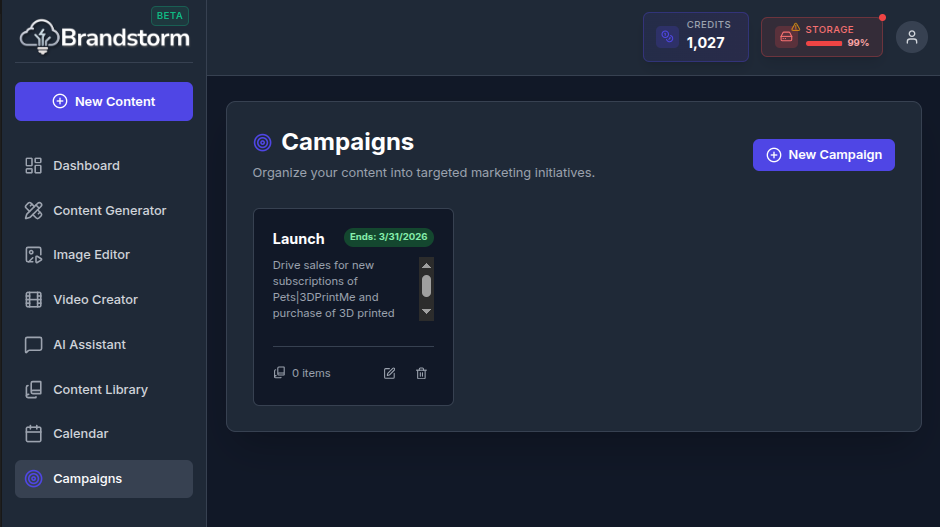
Campaigns
Campaigns helps teams structure and manage marketing initiatives by organizing assets around defined goals, audiences, channels, and timelines — making it easier to plan, execute, and measure cohesive campaigns.
How to Create a Campaign
- Navigate to Campaign.
- Click New Campaign.
- Define Campaign Name, Description, and End Date (for urgency).
- Click Save*.
The AI uses your campaigns to automatically plan and organize content into focused, audience-specific marketing initiatives, so each asset aligns to a clear goal, message, and channel.
Was this article helpful?